
Switching to Linux in 2026 is nothing like it used to be. The OS install is usually straightforward, the desktop is polished, and for most everyday stuff you can be up and running in an evening. For a lot of people the first real problem is not “can I install Linux?” but “can I run the one app I actually care about?”
That’s where Linux still trips up new users like me. Not because Linux is bad, but because some third-party apps are picky, poorly supported, or built around a small set of “known good” configurations.
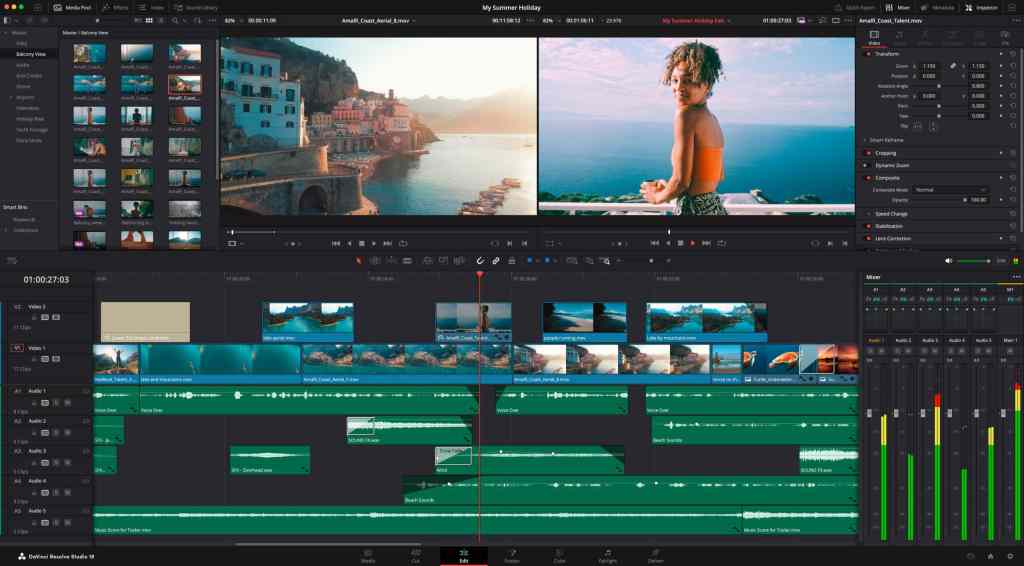
For me, that app is DaVinci Resolve. I only use it for light video editing, and I already have a Windows laptop with Resolve installed, so I’m not blocked. But I want to know if I can genuinely make the switch all the way on my main PC, not just pretend I’m a Linux user until I need to edit a video.

I’m probably never fully moving away from Microsoft, and honestly I don’t really want to. But I do want options. It feels like the direction of travel is less privacy, less control, and fewer choices about what actually runs on my own machine. If Linux can run the software I rely on, then it becomes a real alternative rather than a hobby.
So this post is me tackling one of the biggest hurdles. If I can get Resolve running properly, that’s a huge box ticked toward making Linux viable for me, at least on some of my hardware.
Getting Davinci Resolve to run on Linux
I hit the classic Linux Resolve experience: install succeeds, you run /opt/resolve/bin/resolve, it prints a few lines, then it falls over with a segmentation fault. No helpful error, just a crash and a feeling that you have made a terrible choice and wouldnt life be easier if you just stuck with Windows.
Here’s the exact path that got Resolve running reliably on my machine, and the one fix that turned it from “instant crash” into “it just launched”.
My setup for reference:
- NVIDIA GeForce GTX 1070 Ti
- NVIDIA driver 580 loaded and working (
nvidia-smilooked good) - Running a Wayland session (not X11)
The two big lessons
1) Blackmagic targets Rocky Linux, not my random shiny distro
Blackmagic’s own tech specs list Rocky Linux 8.6 as the Linux platform. That does not mean Resolve cannot run elsewhere, but it does explain why modern Ubuntu-based setups sometimes need workarounds. (Blackmagic Design)
2) OpenCL can make Resolve crash instantly
Resolve on Linux is very picky about the OpenCL stack. In my case, I had two OpenCL ICDs installed:
nvidia.icd(good)rusticl.icd(Mesa RustiCL OpenCL)
Resolve would segfault until I disabled RustiCL and left only NVIDIA’s ICD enabled.
rusticl.icd is a real thing that ships as part of Mesa OpenCL ICD packaging on some distros and it lives exactly where you would expect: /etc/OpenCL/vendors/rusticl.icd. (Debian Packages)
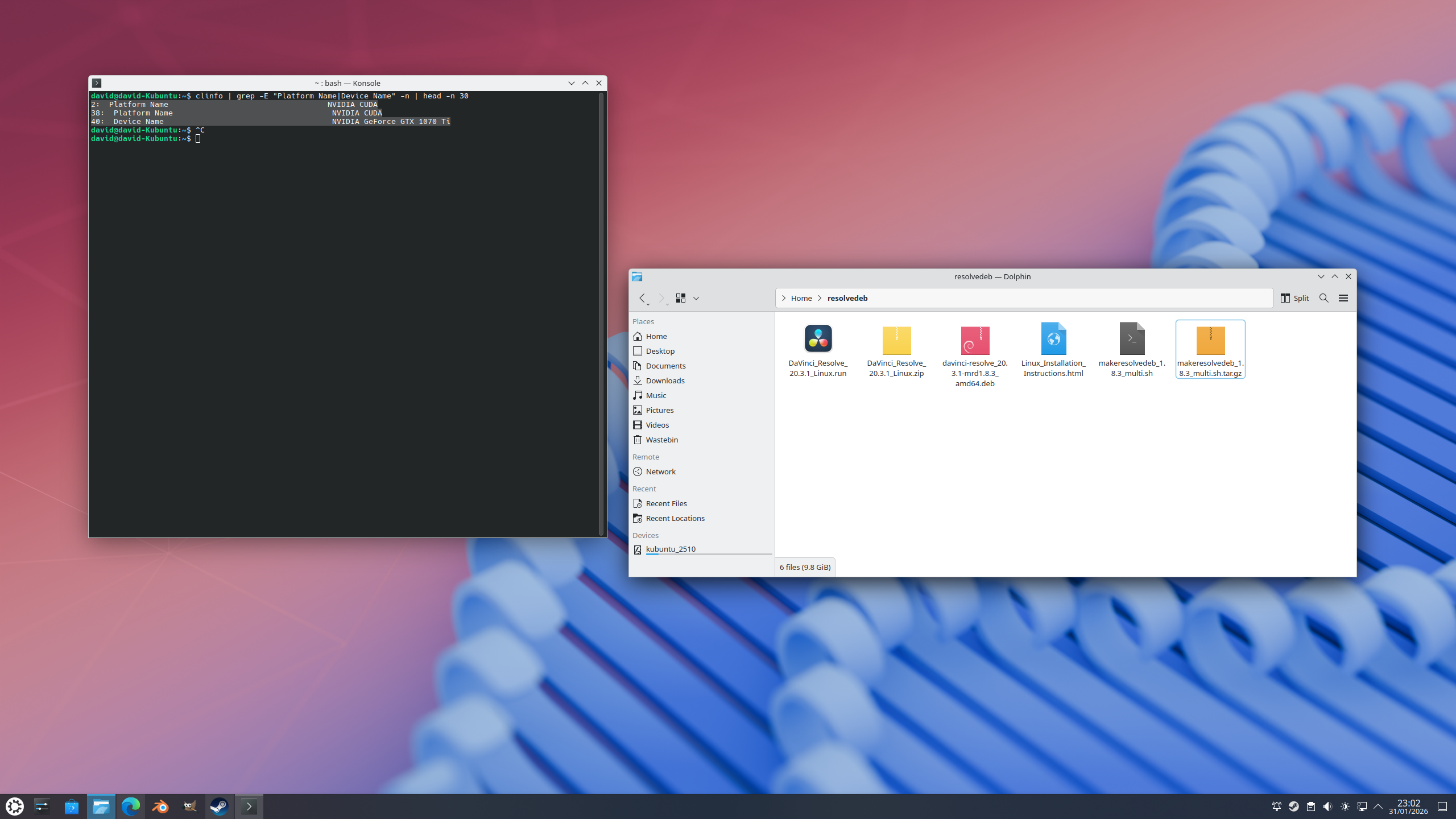
Step 1: Install Resolve properly on Debian/Ubuntu using MakeResolveDeb
Blackmagic provides a .run installer. It works best on the distro they target, but on Debian/Ubuntu derivatives it is much nicer to convert it into a proper .deb that installs and uninstalls cleanly.
That is exactly what MakeResolveDeb does, created by Daniel Tufvesson. It takes the official installer, unpacks it, then repackages it into a .deb. Massive shoutout to Daniel because this tool saves a lot of pain. (danieltufvesson.com)
Step 2: The fix that stopped the segfault
After building and installing Resolve, it still crashed immediately. The turning point was checking OpenCL vendors:
ls -1 /etc/OpenCL/vendors/
Mine returned:
nvidia.icdrusticl.icd
The fix was simply disabling RustiCL so the OpenCL loader only sees NVIDIA:
sudo mkdir -p /etc/OpenCL/vendors/disabledsudo mv /etc/OpenCL/vendors/rusticl.icd /etc/OpenCL/vendors/disabled/
After that, clinfo showed the OpenCL platform as NVIDIA CUDA:
clinfo | grep -E "Platform Name|Device Name" -n | head -n 50
And Resolve finally launched.
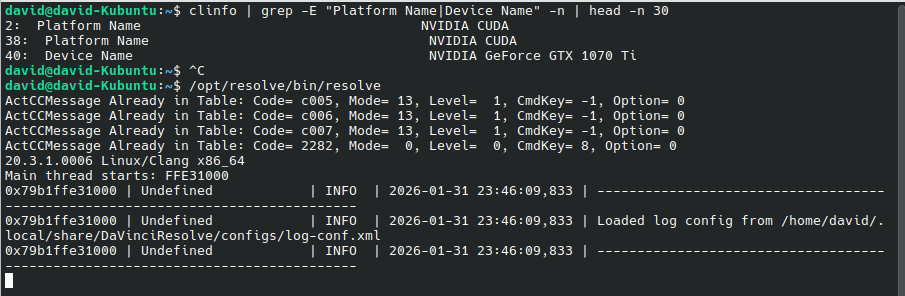
Why this works: the OpenCL ICD loader will enumerate providers from /etc/OpenCL/vendors/. If Resolve trips over a provider it does not like, it can crash very early. (GitHub)
Wayland vs X11: do I need to switch?
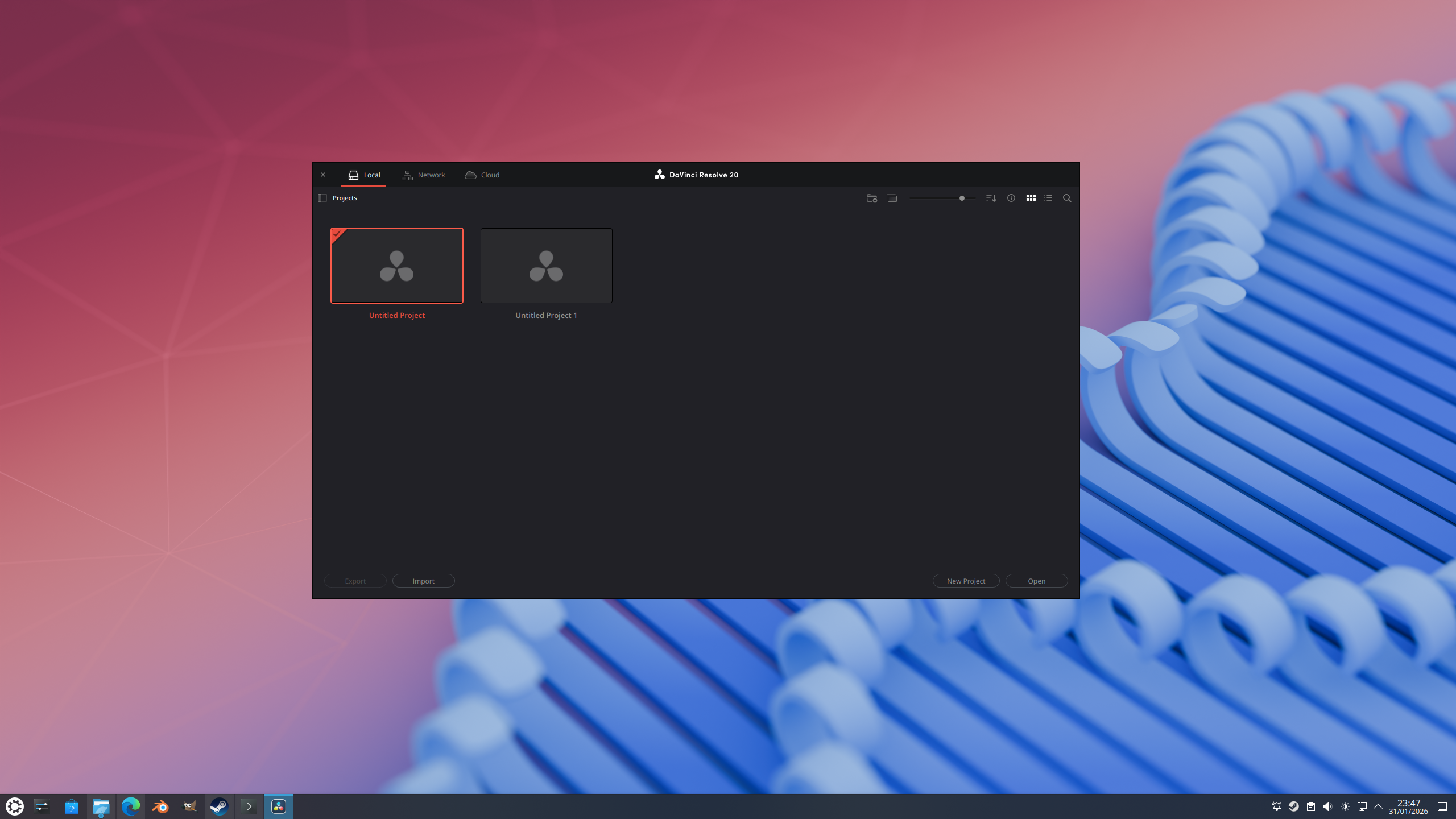
I am currently not using an X11 session and Resolve is launching fine.
In my experience, X11 is mainly a stability fallback for odd UI issues. It is not normally a magic performance boost for renders. If you are stable on Wayland, I would keep it.
If you ever need a quick fallback test without logging out, you can force Resolve down the X11 Qt path like this:
QT_QPA_PLATFORM=xcb /opt/resolve/bin/resolve
If you start seeing glitches, focus weirdness, or multi-monitor pain, that is the point where using an X11 session can be worth it. Otherwise, “if it works, it works”.
The runbook
This is the copy/paste “golden path” I am keeping for myself.
1) Prep folder and prerequisites
mkdir -p ~/resolvedebcd ~/resolvedebsudo apt updatesudo apt install -y fakeroot xorriso libglu1-mesa libssl3 ocl-icd-opencl-dev qtwayland5 unzip ubuntu-drivers-common clinfo
2) Install NVIDIA driver the Ubuntu way
sudo ubuntu-drivers autoinstallsudo reboot
After reboot:
nvidia-smilspci -nnk | grep -A3 -E "VGA|3D|Display"
3) Extract Resolve and MakeResolveDeb
Put both downloads in ~/resolvedeb, then:
cd ~/resolvedebunzip DaVinci_Resolve_*_Linux.ziptar zxvf makeresolvedeb_*_multi.sh.tar.gzchmod +x makeresolvedeb_*_multi.sh
4) Build the .deb using MakeResolveDeb (Daniel Tufvesson)
cd ~/resolvedeb./makeresolvedeb_*_multi.sh DaVinci_Resolve_*_Linux.run
Optional:
cd ~/resolvedeb./makeresolvedeb_*_multi.sh --skip-onboarding DaVinci_Resolve_*_Linux.run
5) Install Resolve
cd ~/resolvedebsudo dpkg -i davinci-resolve*_amd64.deb || sudo apt -f install -y
6) Check OpenCL vendors and apply the RustiCL fix if needed
ls -1 /etc/OpenCL/vendors/
If you see rusticl.icd:
sudo mkdir -p /etc/OpenCL/vendors/disabledsudo mv /etc/OpenCL/vendors/rusticl.icd /etc/OpenCL/vendors/disabled/
Verify OpenCL is NVIDIA:
clinfo | grep -E "Platform Name|Device Name" -n | head -n 50
7) Launch Resolve
/opt/resolve/bin/resolve
Optional X11-path launch:
QT_QPA_PLATFORM=xcb /opt/resolve/bin/resolve
8) If it crashes again, get useful logs
dmesg -T | tail -n 80tail -n 120 ~/.local/share/DaVinciResolve/logs/ResolveDebug.txt
 Twice the bits
Leave a comment